Getting started
Install Codexa
Add Codexa to one of your GitHub repos. The next PR you open gets a review automatically.
1. Install on your repository
Click the button below. GitHub will ask which account and which repos to install Codexa on. Pick "Only select repositories" if you want to start with just one.
Install on GitHub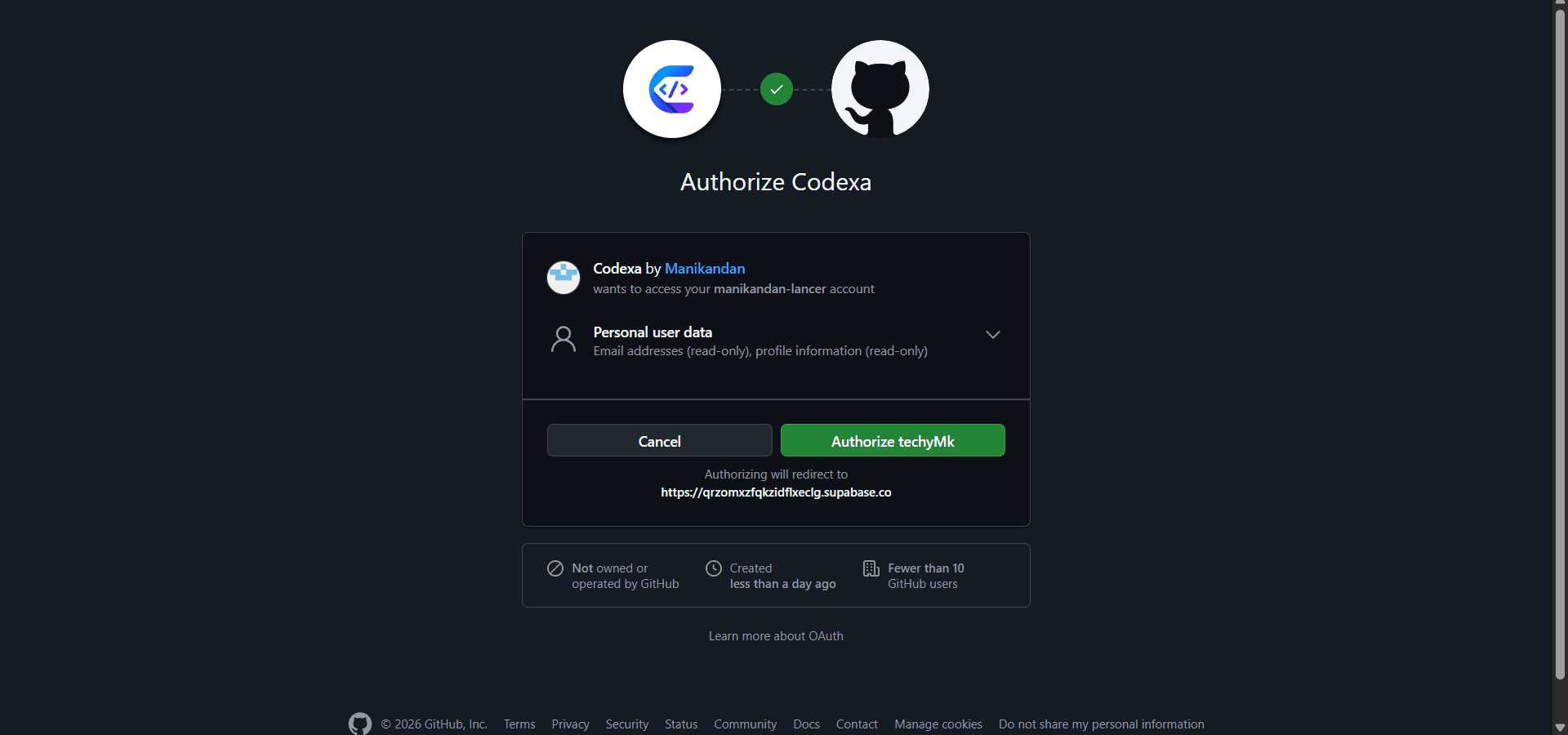
2. Open a pull request
That's it. The next PR you open in an installed repo gets a review within ~10 seconds. Codexa posts a single comment with all findings, ranked by severity.
3. (Optional) Sign in to the dashboard
Visit the dashboard and sign in with GitHub to see review history, configure per-repo settings, and view full finding detail.
What permissions does Codexa need?
The GitHub App requests these permissions on the repos you install it on:
Pull requests:  Read and write    (read diffs, post review comments)
Contents:       Read-only          (fetch the diff)
Metadata:       Read-only          (auto, granted to all GitHub Apps)
Checks:         Read and write     (post a status check on each PR)
Codexa never modifies your repository contents, branches, settings, or anything else. You can revoke access at any time by uninstalling the App from GitHub settings.